
Small Businesses Are Outgrowing Excel (Here’s What to Automate First)
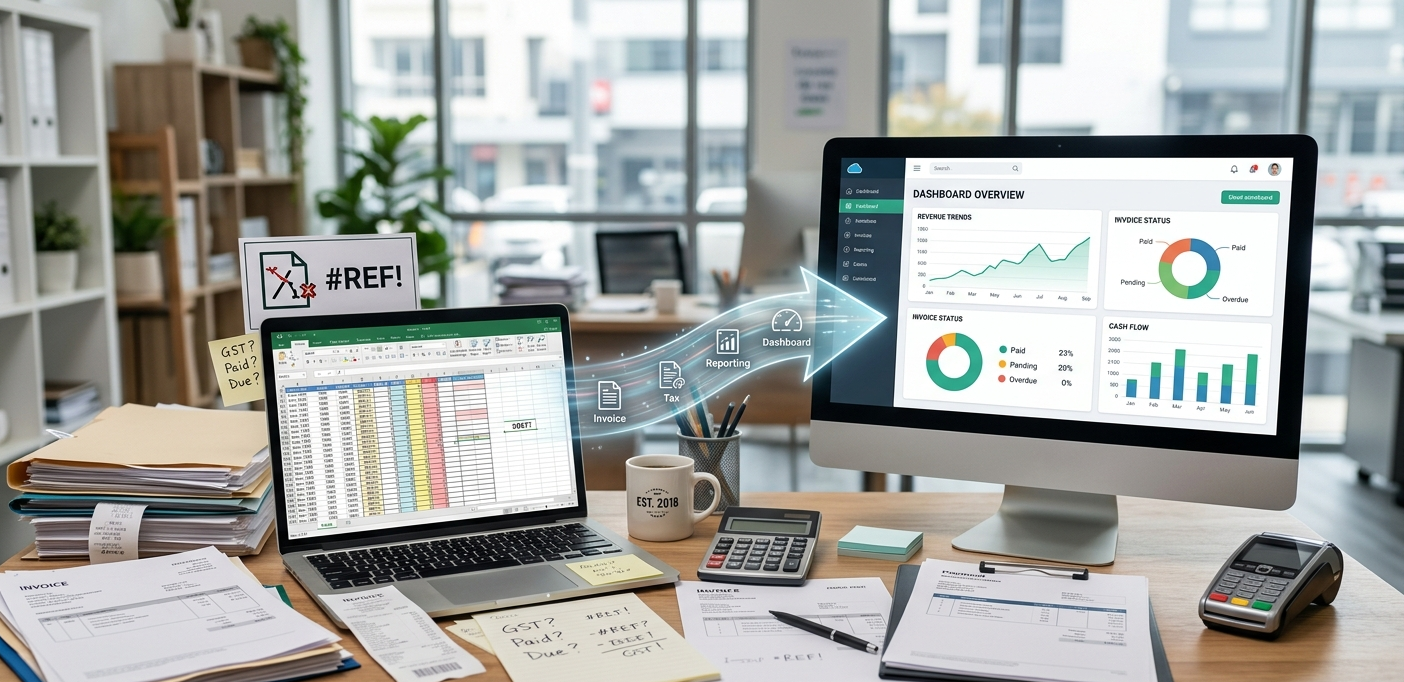
Most small businesses start with spreadsheets.
Invoices. Tax calculations. Payment tracking. Customer records. Everything lives inside Excel or Google Sheets.
At the beginning, it works.
But as the business grows, the spreadsheet slowly becomes the system running the company. That’s when the problems start.
When Excel Becomes “The System”
A broken formula changes revenue numbers. Someone updates the wrong file. GST/VAT calculations get copied incorrectly. Teams spend hours searching for the latest version of a sheet.
Spreadsheet errors are extremely common. Some studies estimate that nearly 88% of spreadsheets contain errors.
For a growing business, even a small mistake can turn into operational noise, delayed follow-ups, and incorrect reporting.
The Real Problem Isn’t Excel
Excel is still a great tool.
The issue starts when businesses use spreadsheets for workflows that should be automated—especially repetitive, rules-based operations like:
- Invoice generation
- Tax calculations (GST/VAT)
- Payment reminders
- Financial reporting
- Customer/lead tracking
- Inventory updates
These processes repeat constantly. A few minutes per invoice sounds fine—until it becomes hours every week.
Manual Invoicing Creates Hidden Costs
Most companies don’t notice the cost immediately, but manual invoicing often leads to:
- Wrong totals
- Duplicate invoices
- Missed payments
- Delayed follow-ups
- Incorrect tax calculations
- Poor visibility into cash flow
Invoice management research consistently shows manual processing has high error rates and creates avoidable operational overhead.
You usually don’t need complicated systems to fix this.
You just need fewer manual steps and one reliable source of truth.
What Automation Actually Looks Like (Practical Version)
Automation doesn’t mean replacing people. It means removing repetitive work and adding consistency.
Typical “first wins” look like this:
- Generate invoices automatically from sales/CRM data
- Calculate GST/VAT instantly using rules, not copy-paste
- Schedule payment reminders (email/WhatsApp) based on due dates
- Track unpaid invoices in real time on a dashboard
- Keep customer + invoice + payment data together (not across multiple sheets)
Instead of spending days updating spreadsheets, your team focuses on customers and growth.
Start Small: The Minimum Viable Upgrade
You don’t need a massive ERP system on day one.
Even small improvements make a huge difference:
- Centralized invoice tracking
- Automated taxation workflows
- Better reporting dashboards
- Cloud-based database with access control
- Real-time payment visibility
The goal is simple:
Reduce manual work. Reduce mistakes. Save time.
How Rowbeam Helps
At Rowbeam, we help businesses move beyond spreadsheet-heavy operations and build systems that are easier to maintain, audit, and scale.
We build:
- Invoice automation
- Reporting dashboards (MIS)
- Workflow automation
- Operational analytics
- Data pipelines
- Cloud migration and modernization
Most companies already have the data they need. They just need better systems around it.
If you want, we can review your current process and suggest the quickest automation wins.